Prompt Poaching in the Chrome Web Store and AI Chat Exfiltration
Two fake AI extensions siphoned ChatGPT and DeepSeek conversations on a schedule. Browser add-ons are now AI data pipelines.
Article focus
Treatment: screenshot
Prompt family: BA-3 (high)
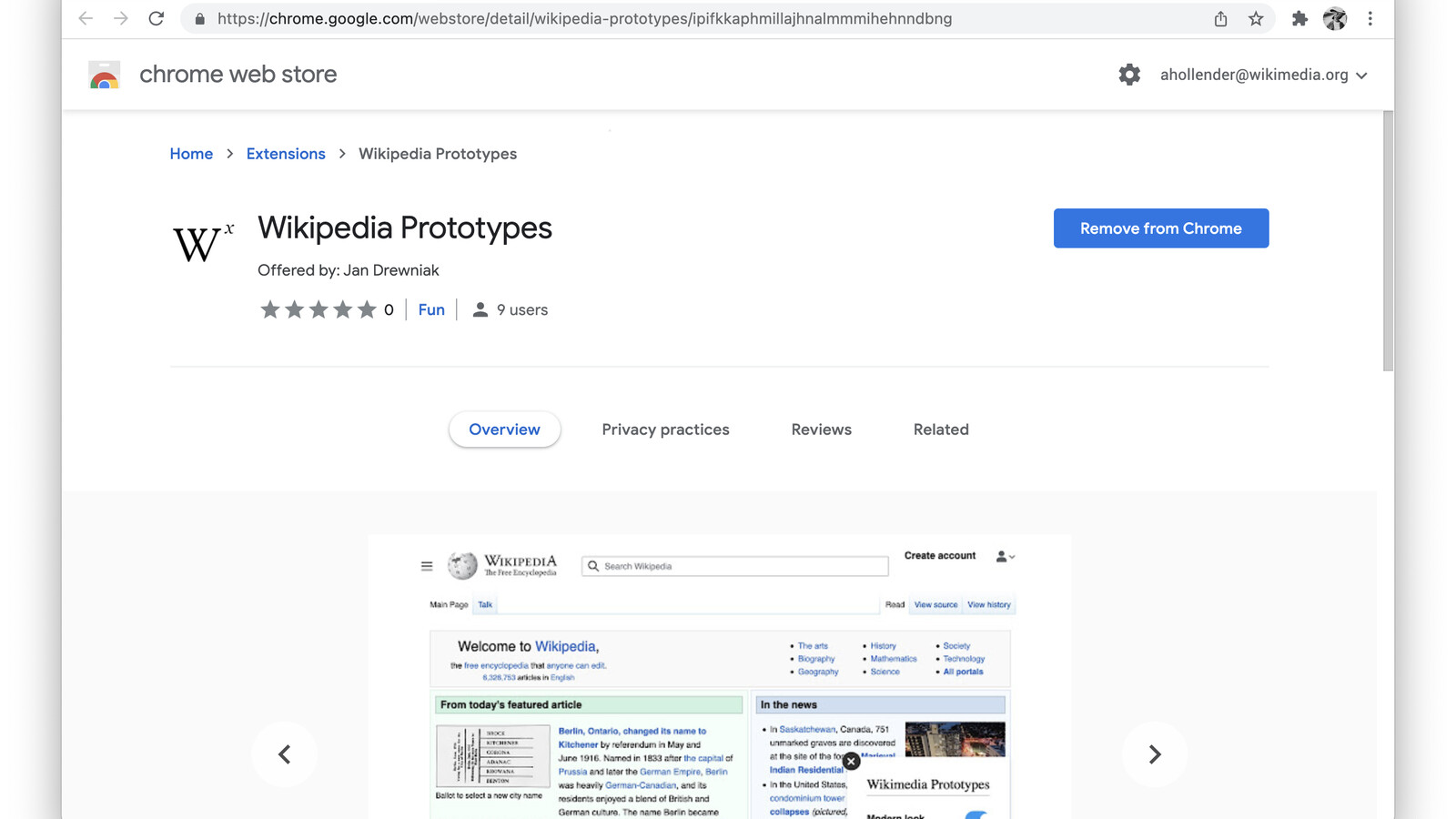
Image description: Chrome Web Store extension listing shown as the interface surface for prompt poaching risk
Image source: AHollender (WMF) via Wikimedia Commons
License: CC BY-SA 4.0
Executive summary
Malicious browser extensions can turn AI chat into a silent data-loss channel. When an extension can read prompts, responses, and browser context, the issue is not just extension malware. It is the enterprise decision to treat browser AI tooling as low-risk convenience software.
Browser extensions sit inside the browser, see what users see, and often receive broad permissions by default. Attackers used that trust to read AI conversations and export them. The latest example is a campaign researchers call "prompt poaching" - extensions that siphon AI chats to attacker infrastructure.
Malicious Chrome Extensions Turned AI Chats Into a Stealth Exfiltration Channel
OX Security identified two AI-themed Chrome extensions that impersonated a legitimate tool from AITOPIA. The malicious versions looked and behaved like a standard AI sidebar, but added hidden surveillance logic. Their combined install base exceeded 900,000 users.
Affected Extensions
- Chat GPT for Chrome with GPT-5, Claude Sonnet & DeepSeek AI (extension ID: fnmihdojmnkclgjpcoonokmkhjpjechg)
- AI Sidebar with Deepseek, ChatGPT, Claude and more (extension ID: inhcgfpbfdjbjogdfjbclgolkmhnooop)
OX Security Shows the Extensions Reading ChatGPT and DeepSeek Conversations From the Browser
The mechanics are simple, which is exactly why this scales. The extensions requested permission to collect "anonymous, non-identifiable analytics data." In practice, that permission enabled broad access to page content and browsing activity. The malware monitored tabs, detected ChatGPT and DeepSeek pages, and scraped prompts and responses directly from the DOM. Data was cached locally and uploaded in batches approximately every 30 minutes.
Observed Data Collected
- Full ChatGPT and DeepSeek conversations
- URLs of open browser tabs
- Session identifiers and related metadata
- Internal enterprise URLs and research queries
The Organizational Consequence Is Prompt Theft, Context Theft, and Data Loss at Scale
If you allow extensions, you are already in the blast radius. AI conversations are no longer casual chat. They include source code, legal strategy, incident response notes, and proprietary business context. An extension that can read that content becomes an enterprise-grade data loss channel.
Operational Risk
Sensitive conversations can surface system design details, architectural diagrams, credentials, or internal URLs that accelerate lateral movement.
Compliance Risk
Exfiltrated prompts can contain regulated data (PII, PHI, financial data) that triggers reporting obligations and contractual violations.
OX Security’s Indicators Point to Attacker-Controlled Infrastructure for Browser-Extension Exfiltration
The researchers reported data collection to attacker-controlled endpoints. If you operate enterprise monitoring, add these indicators to your detection and response workflows.
chatsaigpt.com
Operational Next Step: Inventory AI-Adjacent Extensions and Lock Down Install Paths
The window to respond is short once chats start leaving the browser.
Priority Checklist
3LS Belongs in the Browser-Extension Control Plane for Runtime Visibility
3LS gives security teams a policy and evidence layer around AI use in the browser: which extensions are approved, where risky permissions appear, and when prompts or conversations are exposed to extension-controlled surfaces that need review.
Continue reading